
- #s5_header_area1
- #s5_top_row1_area1
- #s5_top_row2_area1
- #s5_top_row3_area1
- #s5_center_area1
- #s5_bottom_row1_area1
- #s5_bottom_row2_area1
- #s5_bottom_row3_area1
- #s5_footer_area1
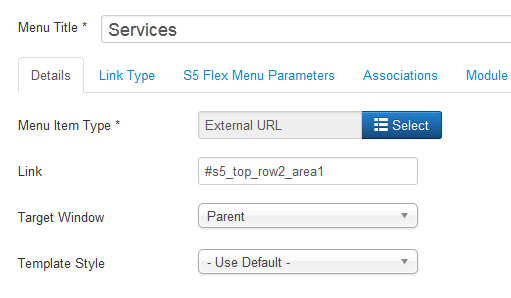
Screenshot of admin area of an external menu item with DIV reference entered:
I like what I see! I want to JOIN TODAY.
Every template built on Vertex also comes with its own unique template specific options applicable to that particular template such as highlight colors, social icons, and much more. These features are in addition to the standard functions of Vertex, and are still controlled through the very user friendly interface of Vertex. This page will document the features specific to this template.
Template Specific Configuration Interface of Vertex
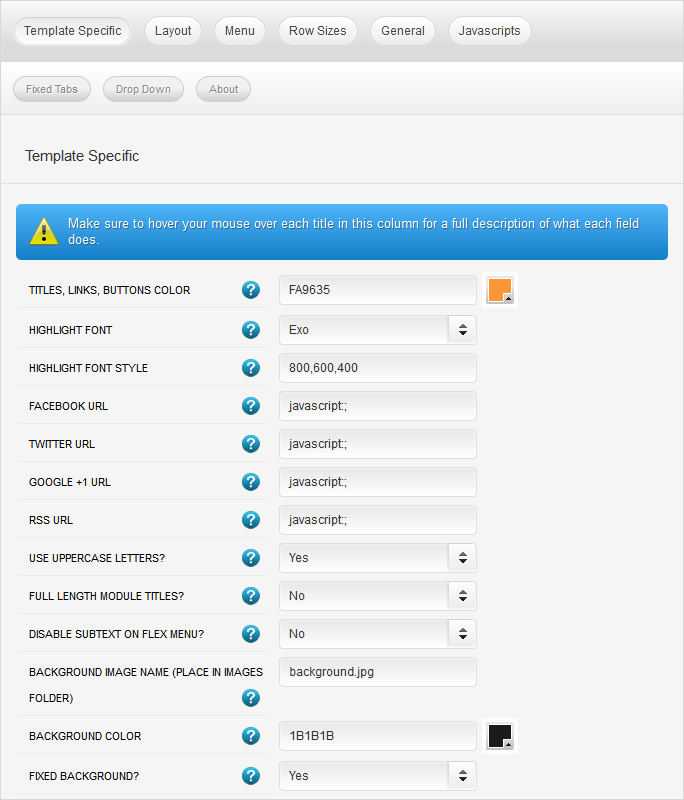
Below is a screenshot that shows all the template specific features available in the user friendly Vertex admin:
Custom Highlight Colors
Need your own custom color scheme? Not a problem, this template comes with ultimate color control! Eaisly set the color of hyperlinks, buttons, titles, and much more to any color you wish! This color can easily be set in the template configuration area. Below is an example of a custom color scheme created through the highlight color options.
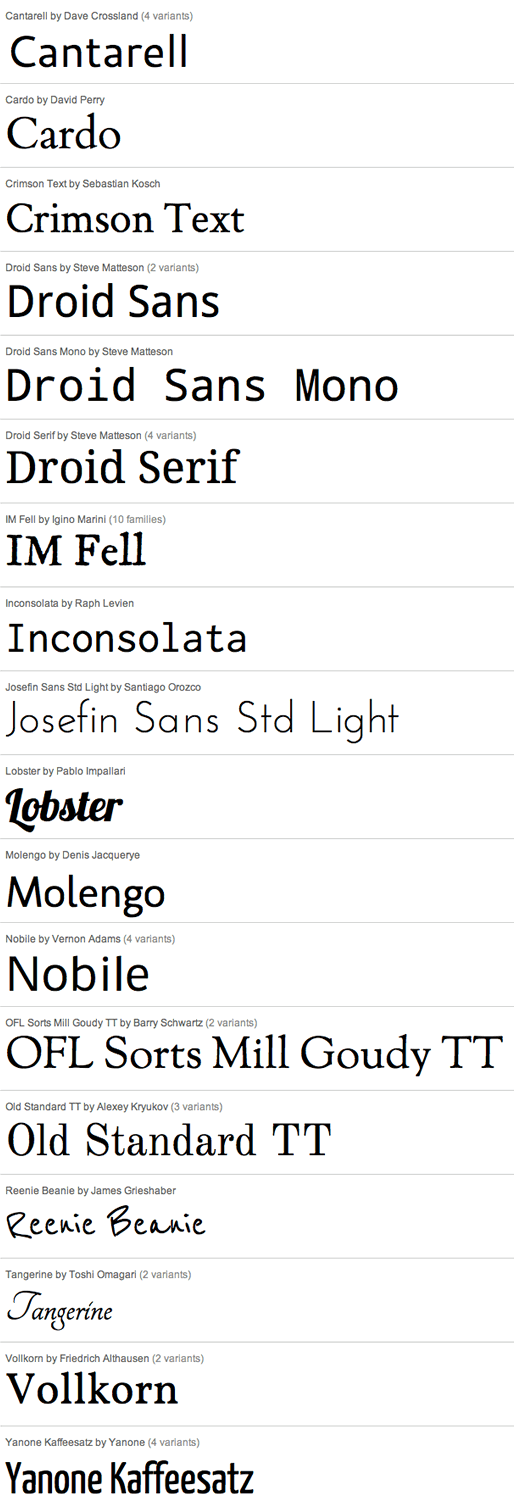
Custom Highlight Fonts
Choose a custom highlight font powered by Google fonts. You can set a custom font for the S5 Flex Menu main level items, titles, buttons, and much more. You can also change the default font under the Layout tab of Vertex.
Social Icons
Easily link to a social media site with the built in social icons found in the header of this template. Simply enter the url of your social site in the configuration and the icon will automatically appear. To disable an icon simply leave the url blank for that particular icon.

Uppercase Leters
Choose to enable or disable uppercase letters on most titles, and menu items.

Full Length Module Titles
You can choose to set the length of the module titles to the full width of the module itself or leave them to only stretch to the length of the words themselves.
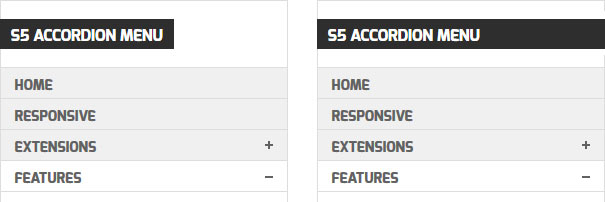
Small Menu
On this demo you can subtext on the first level parent items. If you choose not to use subtext on these links simply choose a small menu option and the menu will automatically down size.


Background Image and Color
Specify the background of the page to any background image and color that you want. Simply enter the name of the image with its extension in this field, not a full url. Upload that image to your root images folder, then supply a background color. This color will be the color that shows only if the image does stretch to fill the entire size of the screen. Finally, choose whether or not you want the background to be fixed with the page or not.
I like what I see! I want to JOIN TODAY.
Features:
- Supports a range of multimedia formats: images, flash, video, mp3s, html!
- Auto detects formats or you can specify the format
- Html descriptions
- Enable/Disable page overlay when multibox pops up (via template parameters)
- Enable/Disable controls (via template parameters)
Images Example
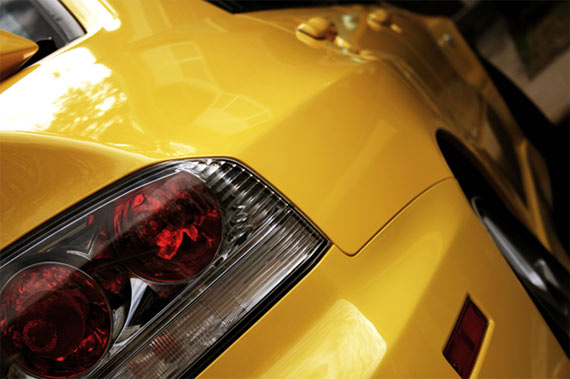
Image #1. It can support html.

Image #2. It can support html.
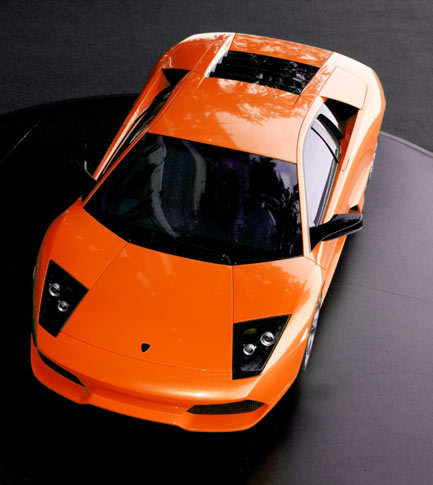
Image #3. It can support html.
Separeate Group Images Example
Image #1. It can support html.
Image #2. It can support html.
Image #3. It can support html.
Video Example:
Youtube.com Video - CLICK MEUP: Carl and Ellie
You can use the following video formats: flv, mov, wmv, real and swf. Just insert the URL to the videos in the href of the hyperlink, here is an example of how we did this for a Youtube video:
YouTube Tutorial: Simply right click on a youtube video and copy the embed code, then paste into a text editor and look for the embed src and use that URL in your hyperlink.
MP3 Example:
MP3 example - CLICK MEmp3 example
iFrame:
iFrame/HTML Example - CLICK MEgetfirebug.com
I like what I see! I want to JOIN TODAY.
-
Home

-
Testimonials
-
News
- Latest